
4 Years in a Row
Officially awarded Zoho Partner of the Year in Australia for 2022, 2023, 2024 and 2025. Chosen from 60+ Australian Zoho Partners by Zoho themselves.
- First Top-Up Special $129 $99/hr + GST*
Book your free video conference with our Zoho Consultants
Get your free comprehensive Zoho rollout quotation
Recognised as Australia’s #1 Zoho Partner, 4 years running

Zoho WorkDrive vs SharePoint Australia: Which Document Platform Fits a Zoho-First Business?

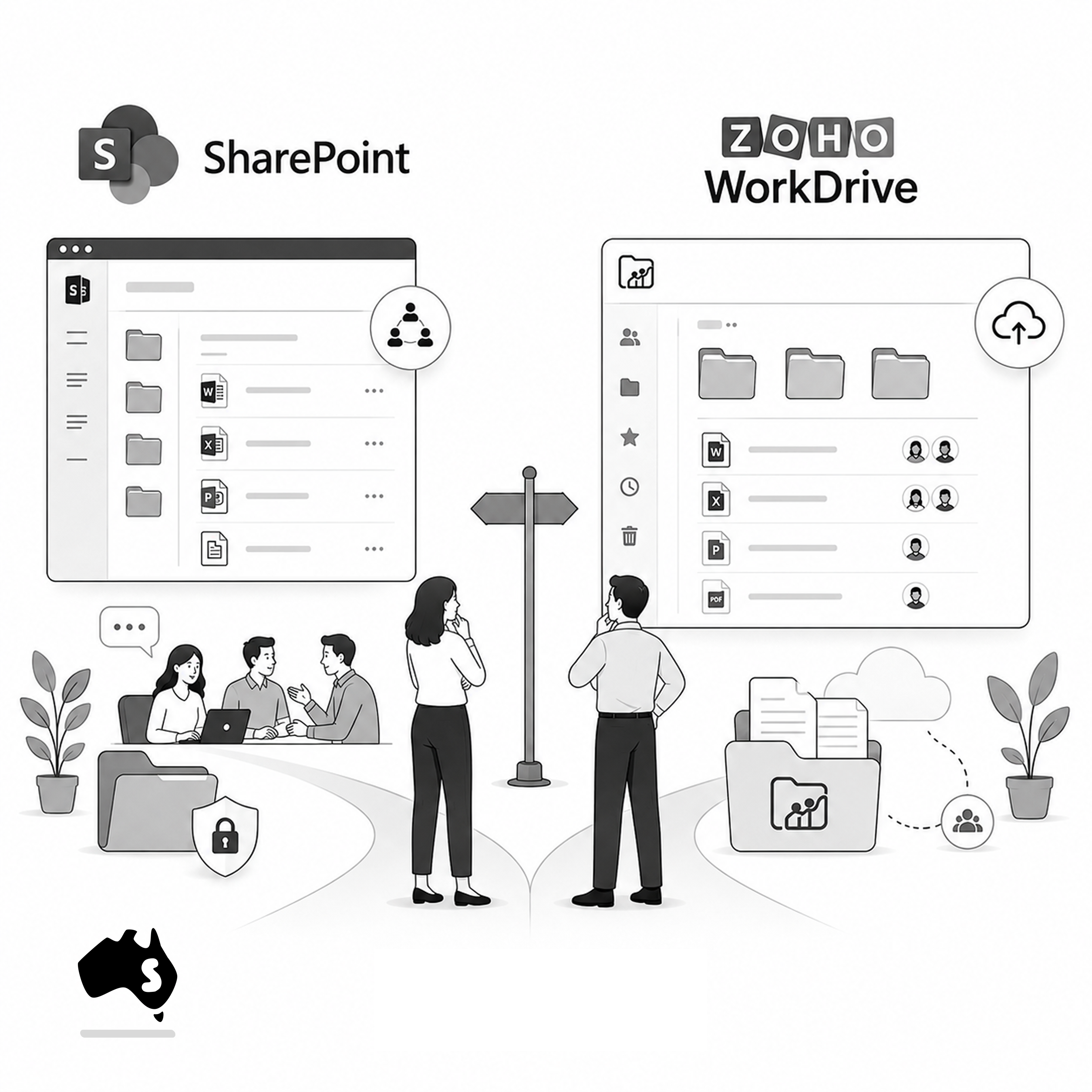
Smartmates helps Australian businesses decide whether Zoho WorkDrive or Microsoft SharePoint should become the main platform for business documents. Both can support secure file collaboration, but the better choice depends on where staff already work, how permissions need to be managed and whether the wider business environment is centred on Zoho or Microsoft 365.
The Decision Is Bigger Than Where Files Are Stored
Businesses rarely struggle because they cannot find a cloud storage product. The harder problem is deciding which platform should own shared business documents once several departments, external collaborators and business applications are involved. If SharePoint already supports Microsoft 365 processes across the organisation, replacing it purely to standardise on Zoho may create unnecessary change. If teams work primarily in Zoho and document processes are becoming disconnected from that environment, WorkDrive may provide a more natural operating model.
Read more: Moving Shared Drives to Zoho WorkDrive Australia
What Australian Businesses Should Compare
- Where users already create and edit documents
- Whether the organisation is primarily Zoho or Microsoft centred
- How departments should organise shared folders
- Which users require view, edit or management access
- How external sharing should work
- Whether document permissions need regular administration
- How files connect with customer or project processes
- Whether Microsoft 365 co-authoring is important
- Whether Zoho application integration is a priority
- How existing files would be migrated
- What happens when staff change roles
- Which platform the business can realistically govern long term
The Australian Cyber Security Centre recommends applying the principle of least privilege, where staff receive only the access required for their work. That principle matters regardless of which document platform is selected.
WorkDrive Versus SharePoint
| Requirement | Zoho WorkDrive | Microsoft SharePoint |
|---|---|---|
| Shared team documents | Strong fit | Strong fit |
| Zoho ecosystem alignment | Strong | Requires integration planning |
| Microsoft 365 alignment | Can coexist | Strong |
| Team-based folders | Core WorkDrive structure | Libraries and sites |
| Permission management | Role-based Team Folder access | Microsoft permissions model |
| External collaboration | Supported with controls | Supported with controls |
| Best starting point | Zoho-first environment | Microsoft-first environment |
Choose the Platform the Business Can Actually Govern
Smartmates does not recommend migrating documents simply because a business uses Zoho elsewhere.
During a Planning Session, the Senior Team can review existing Microsoft 365 usage, Zoho applications, folder structures, permissions, external sharing and current document problems.
If SharePoint is already well governed and deeply embedded in the business, integration may be more sensible than replacement. If files are scattered across personal drives, shared folders and disconnected applications, WorkDrive may provide an opportunity to establish a simpler structure around Zoho.
Migration also needs preparation. Folder ownership, duplicate files, obsolete documents and access permissions should be reviewed before large volumes of information are moved.
The Project Plan Estimate can then define migration, folder structure, permissions, integration, testing and user training.
The right platform is the one that gives staff a predictable place to work while management retains control over who can access important business information.
See also: Zoho WorkDrive Document Control Australia
Frequently Asked Questions
Is Zoho WorkDrive a direct replacement for SharePoint?
It can replace some document collaboration requirements, but the products sit within different ecosystems and the wider Microsoft or Zoho environment should be considered.
Can a business keep SharePoint while using Zoho?
Yes. Replacing SharePoint is not mandatory simply because other business processes use Zoho.
Can Smartmates help migrate files into WorkDrive?
Yes. Smartmates can review structure, access requirements and migration scope before files are moved.
Choose Around the Wider Working Environment
If your Australian business is deciding whether documents should remain in SharePoint or move into WorkDrive, Smartmates can help review the complete working environment first.
Book a free Planning Session to determine which option gives your teams the clearer long-term structure.
Request a Callback from Smartmates

Zoe
I’ll listen to your Zoho needs to understand your business challenges and goals, ensuring a tailored approach.
I’ll bring a certified Zoho engineer to our first consultation to explore solutions and clarify your requirements.
We’ll deliver your free project plan quotation, detailing the steps, timeline, and costs—up to this point, it’s completely free!
“My mission is to solve your key problems, build your trust in our capabilities and deliver exceptional value for money.”