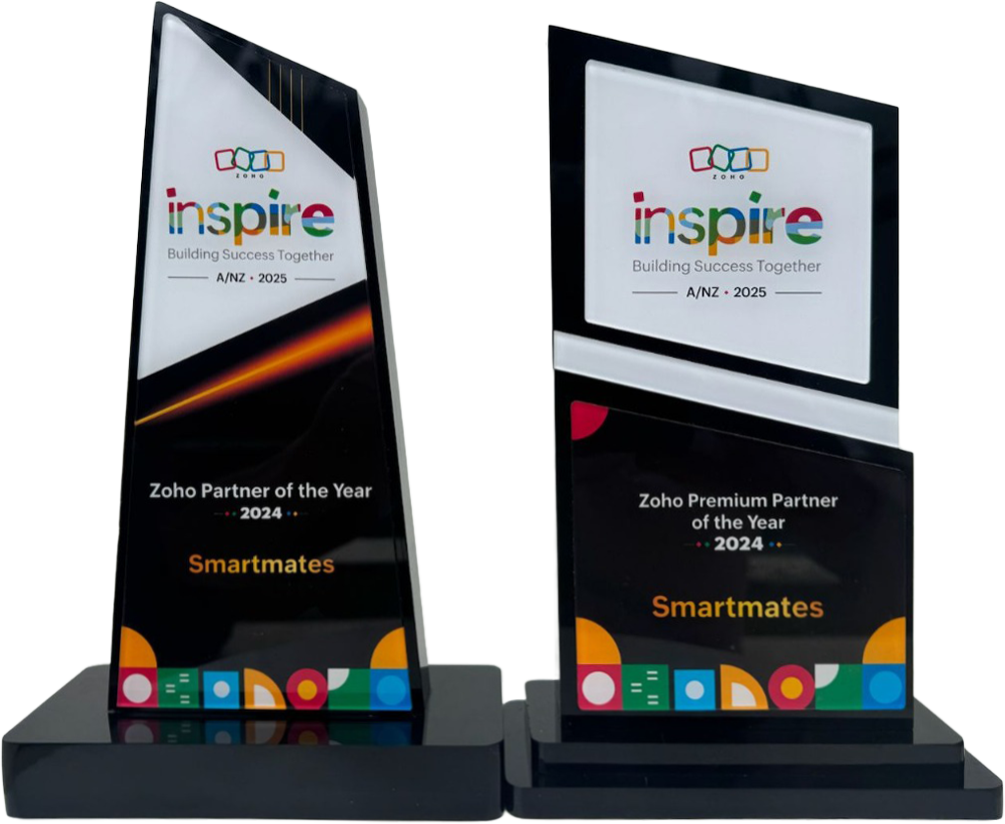
4 Years in a Row
Officially awarded Zoho Partner of the Year in Australia for 2022, 2023, 2024 and 2025. Chosen from 60+ Australian Zoho Partners by Zoho themselves.
- First Top-Up Special $129 $99/hr + GST*
Book your free video conference with our Zoho Consultants
Get your free comprehensive Zoho rollout quotation
Recognised as Australia’s #1 Zoho Partner, 4 years running

Zoho Google Workspace Integration Australia: What Should Sync With Your CRM?

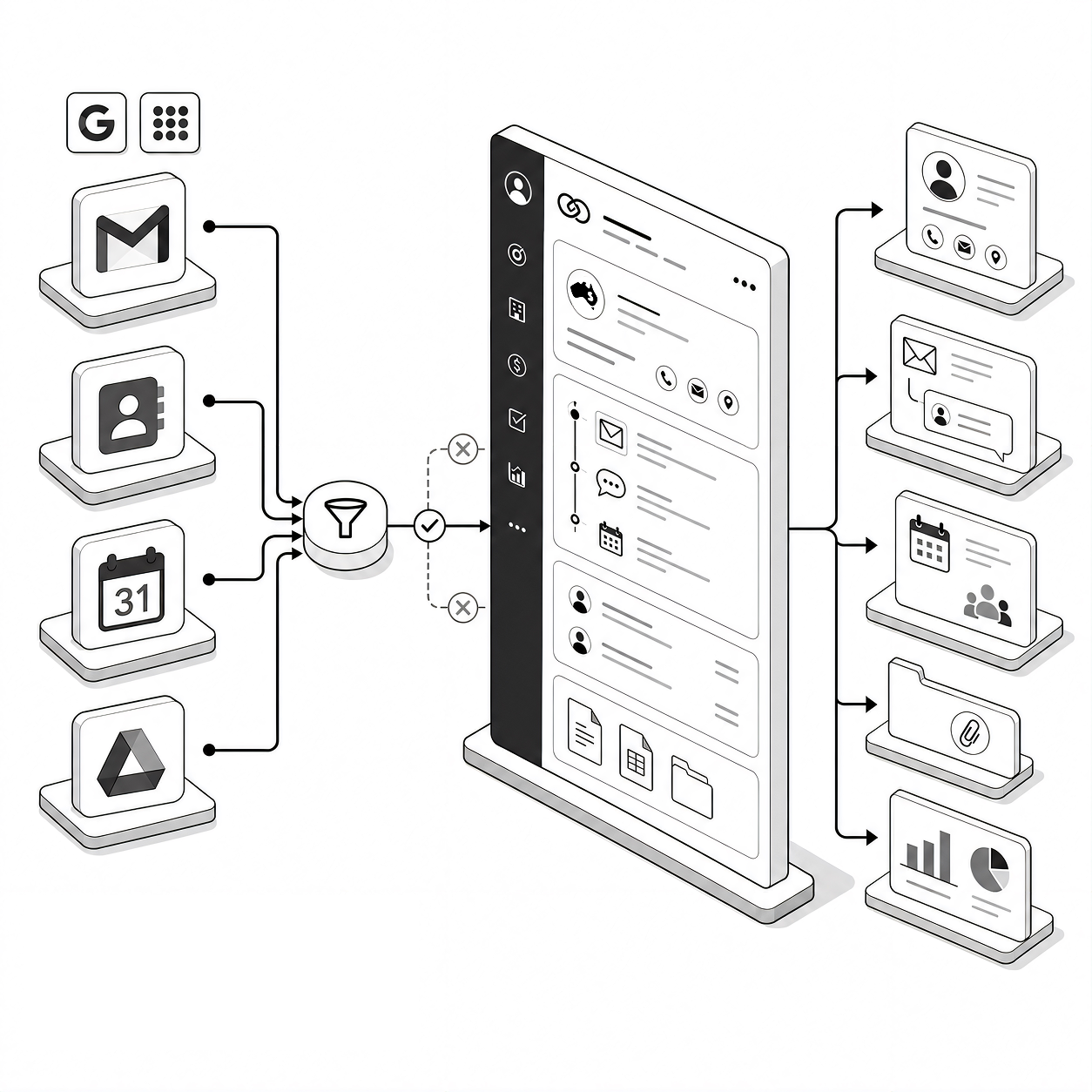
Smartmates helps Australian businesses connect Zoho CRM with Google Workspace so customer communication and sales activity do not sit across disconnected systems. A good Zoho Google Workspace integration should make the right emails, contacts, calendar activity and files accessible where teams need them, without creating duplicate data or unnecessary synchronisation.
The Real Question Is What Should Be Connected
Connecting two platforms is easy to describe, but deciding what should move between them requires more thought. Salespeople may work mainly from Gmail and Google Calendar while managers depend on Zoho CRM for pipeline visibility and reporting. If every contact, meeting or file is synchronised without clear rules, the CRM can quickly accumulate irrelevant records. If too little is connected, staff continue switching between systems and manually reconstructing customer history.
Read more: What Should a Zoho CRM Integration Plan Include?
What Australian Teams Should Decide Before Setup
Before connecting Google Workspace and Zoho CRM, clarify:
- Which Gmail conversations should be visible against CRM contacts and deals
- Whether Google Contacts should synchronise with CRM and in which direction
- Which calendar events belong in the CRM
- How duplicate contacts should be handled
- Whether Google Drive files need to be accessible from relevant CRM records
- Who can see synchronised customer communication
- Which activities need to contribute to sales reporting
Zoho provides integration options for Gmail, Google Contacts, Google Calendar and Google Drive. Its Google Workspace integration documentation explains the available connection points, but the right configuration still depends on how your team actually manages customers.
What a Planned Integration Changes
| Area | Basic Connection | Planned CRM Integration |
|---|---|---|
| Email account connected | Relevant customer communication visible in CRM | |
| Contacts | Large contact list synchronised | Business contacts follow defined ownership rules |
| Calendar | Events copied across | Customer meetings support CRM activity tracking |
| Files | Staff search Drive manually | Relevant files are accessible in customer context |
| Reporting | Activity remains fragmented | CRM captures the activity management actually needs |
Build the Integration Around the Sales Process
Smartmates approaches Google Workspace integration as a business process decision rather than simply enabling every available connector. Our Senior Team can review how salespeople use Gmail, calendars, contacts and files, then determine what information should become part of the Zoho CRM record.
A Planning Session gives Smartmates the opportunity to understand the current workflow, ownership rules, reporting requirements and any existing data problems before technical work begins. From there, a Project Plan Estimate can define the recommended setup, testing and rollout work.
The aim is not to force teams to abandon familiar Google tools. It is to make sure the CRM receives enough reliable information to give managers a useful view of customers and sales activity.
See also: Zoho Consultant Australia for Businesses Struggling With Disconnected Operations
Frequently Asked Questions
Can Zoho CRM integrate with Gmail?
Yes. Zoho CRM provides Google Workspace integration options that can connect Gmail and CRM customer communication.
Should every Google Contact be synchronised to Zoho CRM?
Usually not. Businesses should determine which contacts belong in the CRM and how duplicates, ownership and personal contacts will be handled.
Can Smartmates configure Zoho and Google Workspace together?
Yes. Smartmates can review the required data flow, configure the relevant integration points and test the setup around the business’s actual CRM process.
Planning a Google Workspace and Zoho CRM Integration?
If your sales team works heavily in Google Workspace but management relies on Zoho CRM, Smartmates can help define what should connect and how the information should be controlled.
Book a free Planning Session to review your current workflow and identify the right integration approach.
Request a Callback from Smartmates

Zoe
I’ll listen to your Zoho needs to understand your business challenges and goals, ensuring a tailored approach.
I’ll bring a certified Zoho engineer to our first consultation to explore solutions and clarify your requirements.
We’ll deliver your free project plan quotation, detailing the steps, timeline, and costs—up to this point, it’s completely free!
“My mission is to solve your key problems, build your trust in our capabilities and deliver exceptional value for money.”