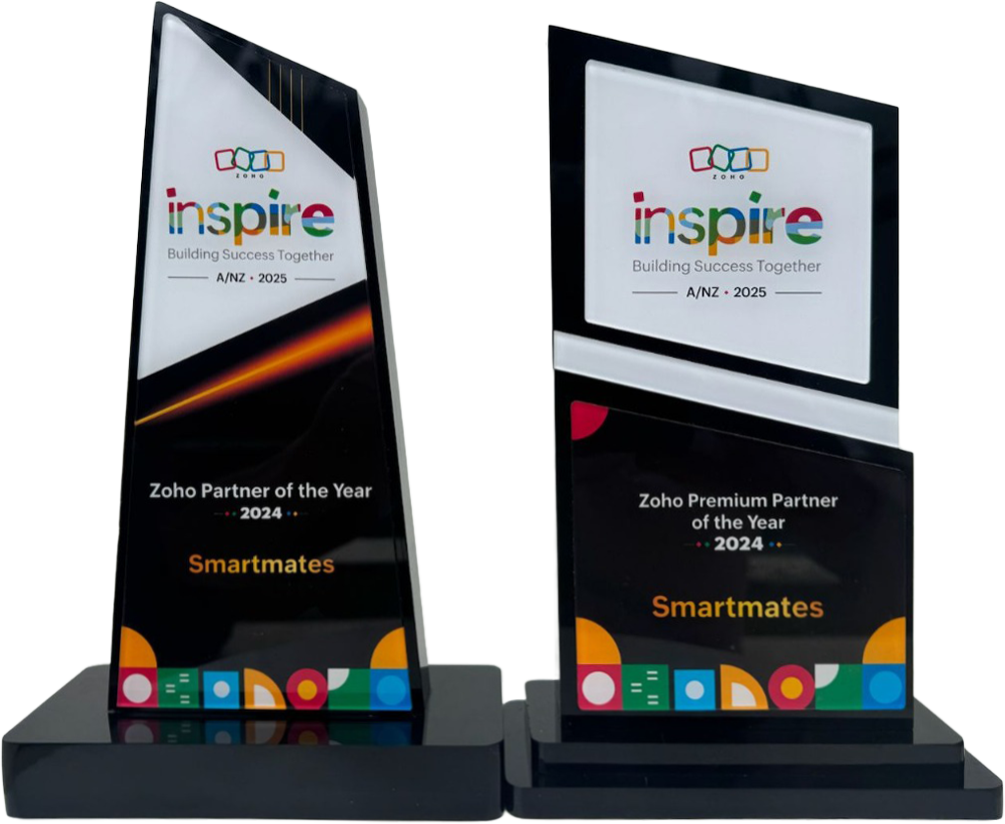
4 Years in a Row
Officially awarded Zoho Partner of the Year in Australia for 2022, 2023, 2024 and 2025. Chosen from 60+ Australian Zoho Partners by Zoho themselves.
- First Top-Up Special $129 $99/hr + GST*
Book your free video conference with our Zoho Consultants
Get your free comprehensive Zoho rollout quotation
Recognised as Australia’s #1 Zoho Partner, 4 years running

Keeping Signed Contracts Connected to Zoho CRM After DocuSign in Australia

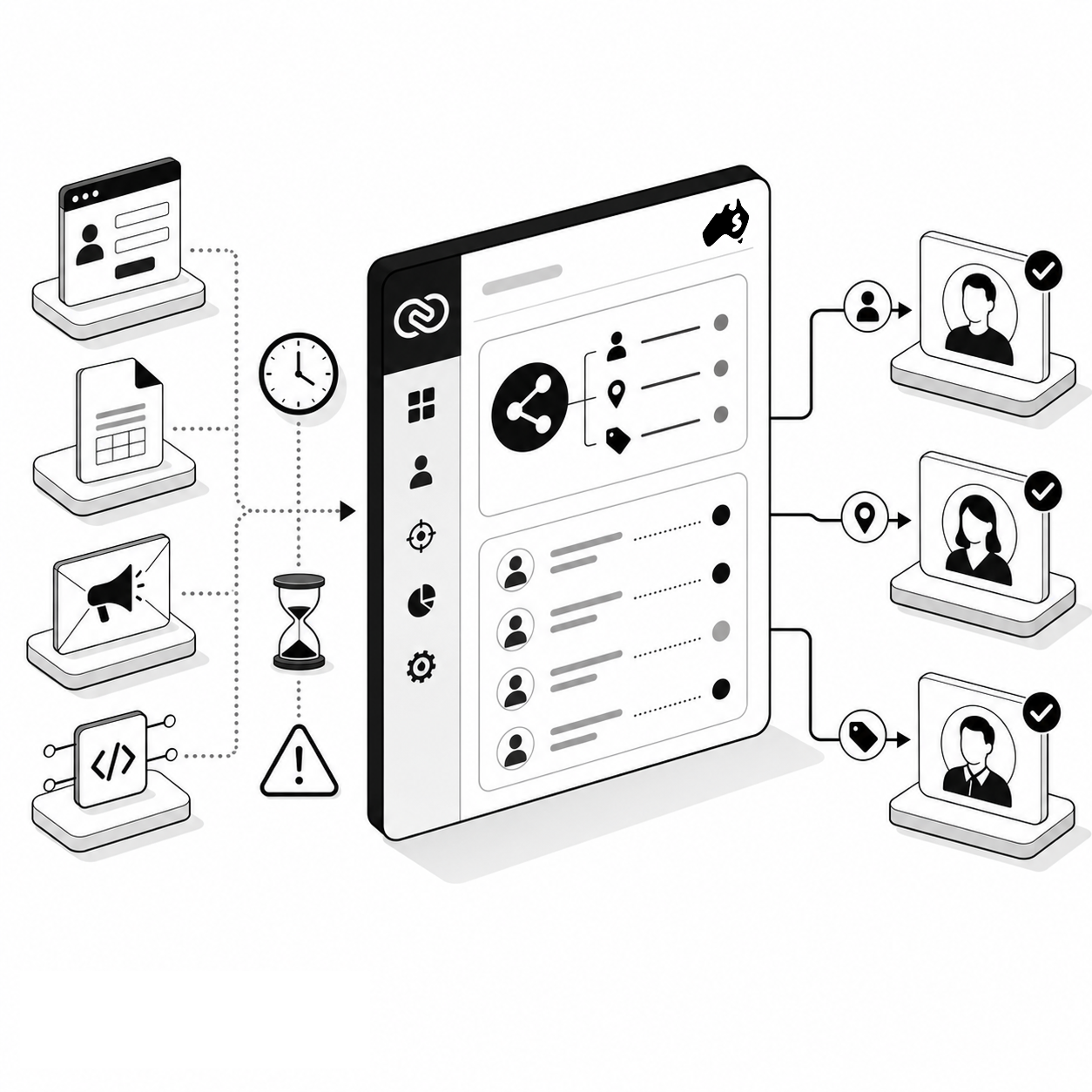
A signed document is useful only if the people managing the customer can quickly understand what was agreed. Smartmates helps Australian businesses connect DocuSign with Zoho CRM so signature activity, customer records and the next operational step remain part of one controlled process instead of leaving signed contracts isolated from CRM activity.
Signing the Document Is Only One Part of the Workflow
The signing stage often sits between sales and delivery. A deal may be approved in CRM, a contract sent for signature and the completed agreement then used to trigger onboarding, billing or project work. If those stages are treated separately, staff can spend time checking whether a document has been sent, who has signed it and what should happen next. The integration therefore needs to connect signing status with the CRM process rather than simply provide an electronic signature button.
Read more: Zoho CRM Consulting Australia for Better Data Structure
What to Define Around DocuSign
Before implementing the connection, determine:
- Which CRM records can initiate a signature request
- Which document template applies to each process
- Which CRM fields need to populate the document
- Who the recipients and signers are
- Whether signing order matters
- What CRM status should change after completion
- Who owns the next step after signing
- How cancelled, declined or expired requests should be handled
- Which information needs to appear in reports
Zoho’s DocuSign extension documentation describes support for CRM records such as Leads, Contacts, Accounts and Deals and uses envelope-related records to capture signature activity.
Document Integration Should Support the Process
| Stage | Signature-Only Setup | Process-Connected Setup |
|---|---|---|
| Preparation | Staff enter details again | CRM data supports document preparation |
| Sending | User manually chooses process | Defined records and templates guide sending |
| Tracking | Team checks another system | Signature activity is available in CRM context |
| Completion | Signed file is the endpoint | Completion can support the next business step |
| Ownership | Follow-up depends on memory | Responsibility is defined before go-live |
Design the Handover Before Automation
Smartmates can help Australian teams identify what should happen before, during and after a DocuSign request. That includes reviewing CRM data quality, document templates, permissions, stage changes, ownership and any follow-up automation required once signing is complete.
This is particularly important where a signed agreement triggers multiple downstream activities. Automatically moving a deal to another stage is useful only when the correct conditions have been satisfied and the right team knows what to do next.
During a Planning Session, Smartmates’ Senior Team can map the full workflow and identify which parts can use standard functionality and which require additional configuration. A Project Plan Estimate can then document the expected implementation and testing work before changes are made.
See also: Why Zoho Projects Fail Without Ownership
Frequently Asked Questions
Can DocuSign be used from Zoho CRM?
Yes. Zoho provides a DocuSign extension that allows supported CRM records to be used in the document signing process.
Can signed status be tracked in CRM?
The extension creates envelope-related information that can provide signing activity within the CRM environment.
Should a signed contract automatically trigger the next stage?
It can, but the workflow should first define the conditions, ownership and exceptions so automation does not advance records incorrectly.
Need a Better Contract Handover?
If your sales process moves from Zoho CRM to DocuSign and then into onboarding or delivery, Smartmates can help connect those stages more deliberately.
Book a free Planning Session to review the process from CRM record to signed agreement and the work that follows.
Request a Callback from Smartmates

Zoe
I’ll listen to your Zoho needs to understand your business challenges and goals, ensuring a tailored approach.
I’ll bring a certified Zoho engineer to our first consultation to explore solutions and clarify your requirements.
We’ll deliver your free project plan quotation, detailing the steps, timeline, and costs—up to this point, it’s completely free!
“My mission is to solve your key problems, build your trust in our capabilities and deliver exceptional value for money.”