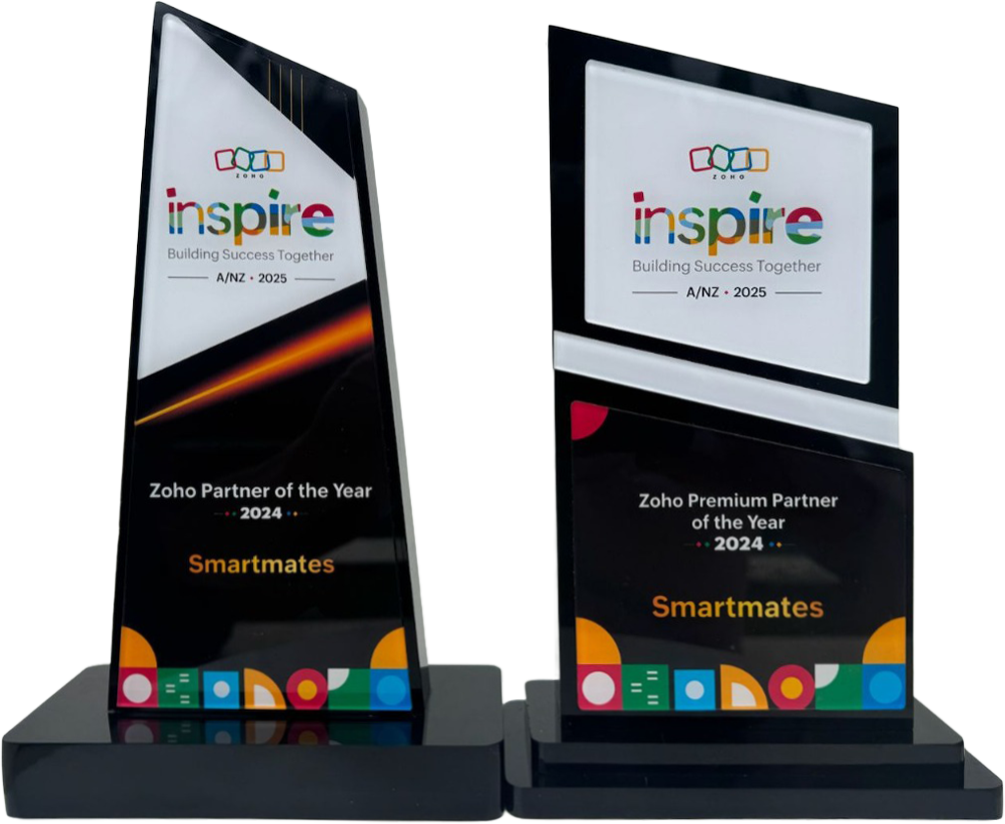
4 Years in a Row
Officially awarded Zoho Partner of the Year in Australia for 2022, 2023, 2024 and 2025. Chosen from 60+ Australian Zoho Partners by Zoho themselves.
- First Top-Up Special $129 $99/hr + GST*
Book your free video conference with our Zoho Consultants
Get your free comprehensive Zoho rollout quotation
Recognised as Australia’s #1 Zoho Partner, 4 years running

How to Plan Zoho One Integration Without Breaking Reports


Zoho One integration should be planned around data flow, ownership, reporting, automation, and user roles before multiple apps are connected. Smartmates helps Australian businesses avoid messy reporting by making sure Zoho CRM, finance, service, marketing, and operations data work together logically.
More Apps Can Create More Confusion
Zoho One gives businesses access to many connected tools, but adding more apps does not automatically create a better system. If CRM, finance, support, projects, and marketing use different naming rules or record ownership, reports can become harder to trust. The integration problem is not the number of apps. It is whether the data has a clear operating model.
Read more: CRM and Xero: Unlocking Seamless Zoho Integration for Australian Businesses
What to Plan Before Connecting Zoho Apps
Before connecting more Zoho One apps, your business should decide:
- Which app is the source of truth for each record
- Which teams need access to each process
- Which fields must stay consistent
- Which reports depend on shared data
- Which automations should run first
- How exceptions will be handled
- What users need to learn before go-live
- Which integrations should wait until later
For finance-related workflows, Xero’s workflow builders category in the Xero App Store is a useful reference because it shows how workflow automation can connect apps and data, but Zoho One integration still needs planning around reporting, ownership, and user behaviour.
Zoho One Integration Comparison
| Area | Rushed Connection | Planned Integration |
|---|---|---|
| Apps | Connected quickly | Connected based on workflow |
| Reporting | Breaks across systems | Built around shared definitions |
| Automation | Runs too early | Supports agreed processes |
| Training | Explains features | Teaches the operating model |
How Smartmates Helps Protect Reporting Quality
Smartmates helps Australian businesses plan Zoho One integration with a practical focus on reporting, automation, adoption, and long-term usability. The Senior Team reviews how each app should support the business before technical setup begins.
The Smartmates Model is transparent and flexible, with no monthly retainer and no minimum monthly spend. A Planning Session helps clarify your systems, requirements, pain points, integrations, timeline, and budget expectations before Smartmates prepares a Project Plan Estimate.
See also: Zoho Implementation Partner: How to Choose One That Delivers
Frequently Asked Questions
What is Zoho One integration?
It is the process of connecting Zoho One apps and related systems so data, workflows, reporting, and users operate together.
Why can reports break after integration?
Reports break when fields, ownership rules, record types, or sync logic differ across connected apps.
Can Smartmates help plan Zoho One workflows?
Yes. Smartmates can help plan Zoho One setup, integration, automation, reporting, training, and optimisation.
Ready to Connect Zoho One Properly?
If your Zoho One setup is growing but reporting is becoming harder to trust, Smartmates can help you plan the right integration structure.
Book a free Planning Session to discuss your Zoho apps, data flow, reporting needs, integrations, timeline, and budget expectations.
Request a Callback from Smartmates

Zoe
I’ll listen to your Zoho needs to understand your business challenges and goals, ensuring a tailored approach.
I’ll bring a certified Zoho engineer to our first consultation to explore solutions and clarify your requirements.
We’ll deliver your free project plan quotation, detailing the steps, timeline, and costs—up to this point, it’s completely free!
“My mission is to solve your key problems, build your trust in our capabilities and deliver exceptional value for money.”