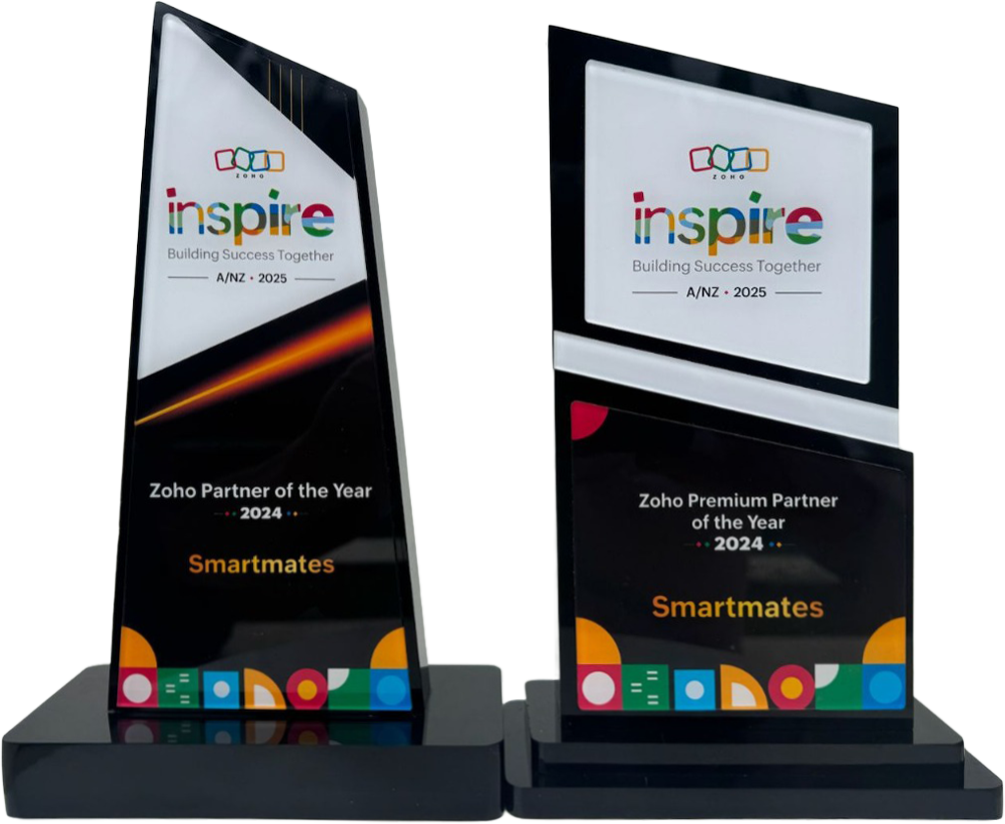
4 Years in a Row
Officially awarded Zoho Partner of the Year in Australia for 2022, 2023, 2024 and 2025. Chosen from 60+ Australian Zoho Partners by Zoho themselves.
- First Top-Up Special $129 $99/hr + GST*
Book your free video conference with our Zoho Consultants
Get your free comprehensive Zoho rollout quotation
Recognised as Australia’s #1 Zoho Partner, 4 years running

How to Plan Zoho CRM Integration for Your Business


Zoho CRM integration connects Zoho CRM with the other tools your business uses, so customer, sales, workflow, and reporting data can work together. Smartmates helps Australian businesses plan Zoho CRM integration properly, especially when the goal is cleaner data, less manual work, and better sales visibility.
Start With the Business Process
Good Zoho CRM integration starts with your workflow, not the software connection. Before choosing a connector or custom build, your team should understand how leads, deals, contacts, tasks, invoices, and reports move through the business.
This planning step helps avoid a common problem: connecting apps quickly, then discovering that the data does not support how your team actually works.
Read more: 10 Essential Zoho Integrations for Australian Businesses in 2025
Decide What Needs to Sync
Not every field needs to move between systems. A useful Zoho CRM integration should focus on the information your team actually uses to sell, serve customers, and report clearly.
- Contact and company records
- Lead source and pipeline stages
- Quotes, invoices, or payment status
- Tasks, follow-ups, and handover notes
- Reporting data for sales and management teams
Plan Ownership Before Connecting Apps
A Zoho CRM integration can become messy if no one decides which system owns each piece of data. For example, should customer records be created in Zoho CRM first, or imported from another platform?
| Planning Area | Why It Matters | Question to Ask |
|---|---|---|
| Contacts | Prevents duplicates | Which system owns the record? |
| Pipeline | Improves sales visibility | What should trigger updates? |
| Reporting | Supports better decisions | Which data must be trusted? |
When to Use a Zoho CRM Consultant
You may not need a consultant for a simple one-way sync. Expert support becomes more valuable when the integration affects sales workflows, finance records, customer communication, reporting, or multiple teams.
Smartmates is a Zoho Premium Partner helping businesses across Australia and New Zealand plan, implement, and optimise Zoho. For CRM integration work, the team can help map data, test workflows, reduce risk, and support a smoother rollout.
See also: CRM and Xero: Unlocking Seamless Zoho Integration for Your Business
Frequently Asked Questions
What is Zoho CRM integration?
Zoho CRM integration connects Zoho CRM with other business tools so customer, sales, finance, or reporting data can move between systems. It helps reduce manual entry and improve team visibility.
What should I plan before integrating Zoho CRM?
Start by planning data ownership, sync direction, required fields, workflow triggers, and reporting needs. This helps prevent duplicate records, broken automation, and confusion between teams after launch.
Do I need a consultant for Zoho CRM integration?
You may not need one for a basic sync. A consultant is useful when the integration affects sales process, reporting, invoicing, customer records, automation, or multiple business systems.
Ready to Plan Your Zoho CRM Integration?
Zoho CRM integration works best when it is planned around your business process, not just your software stack.
Book a free planning session with Smartmates’ expert team to discuss your CRM workflow, integration risks, and the right implementation path for your business.
Request a Callback from Smartmates

Zoe
I’ll listen to your Zoho needs to understand your business challenges and goals, ensuring a tailored approach.
I’ll bring a certified Zoho engineer to our first consultation to explore solutions and clarify your requirements.
We’ll deliver your free project plan quotation, detailing the steps, timeline, and costs—up to this point, it’s completely free!
“My mission is to solve your key problems, build your trust in our capabilities and deliver exceptional value for money.”