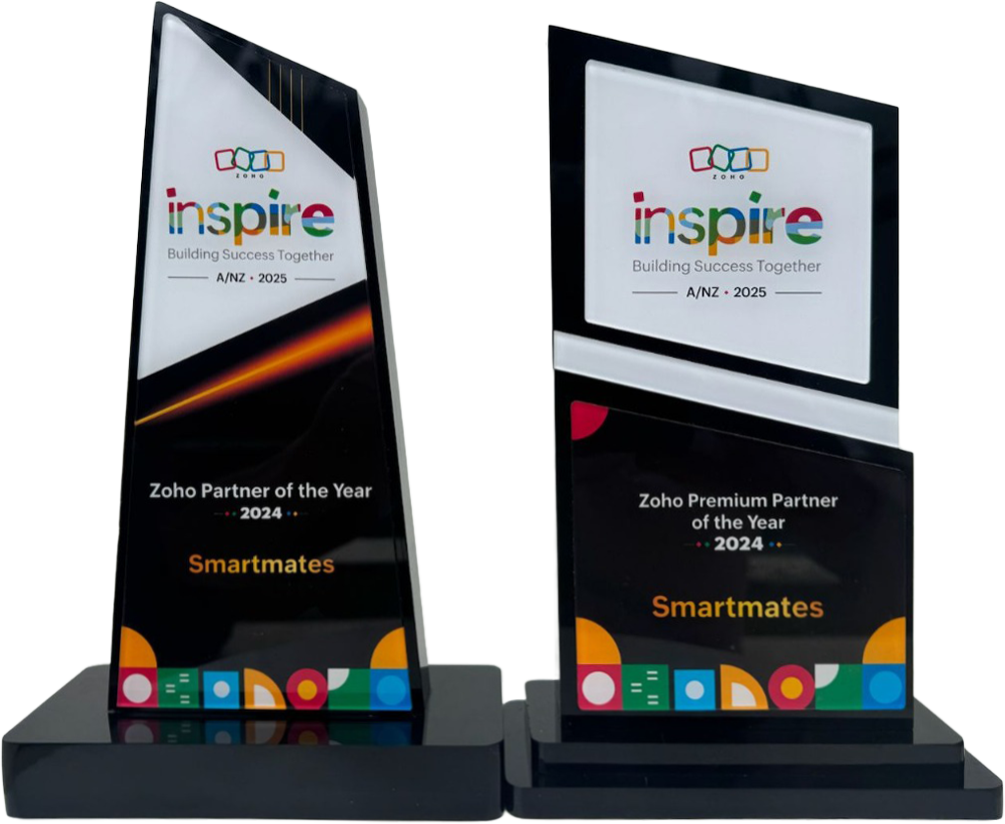
4 Years in a Row
Officially awarded Zoho Partner of the Year in Australia for 2022, 2023, 2024 and 2025. Chosen from 60+ Australian Zoho Partners by Zoho themselves.
- First Top-Up Special $129 $99/hr + GST*
Book your free video conference with our Zoho Consultants
Get your free comprehensive Zoho rollout quotation
Recognised as Australia’s #1 Zoho Partner, 4 years running

When Should an Australian Business Give Customers Access Through a Zoho CRM Portal?

Smartmates helps Australian businesses decide when a Zoho CRM portal is a better option than handling every customer, vendor or partner request through email. A portal can provide controlled access to selected CRM information, but the value depends on what external users genuinely need to see, update or submit and how securely that access is configured.
A Portal Should Solve Repeated External Access Requests
Businesses often consider a customer portal after staff begin answering the same requests repeatedly. A customer may need to check information, a partner may need to update a record, or a vendor may need visibility of selected transactions. Giving these users normal CRM access would expose too much, while continuing to exchange screenshots, spreadsheets and email updates creates administration. The first decision is therefore not how the portal should look, but exactly which external interactions should become self-service.
Read more: Zoho Data Ownership Australia
What Should Be Defined Before Portal Setup
- Who requires external access
- Whether users are customers, vendors or partners
- Which CRM module identifies each portal user
- Which related modules should be visible
- Which records belong to each external user
- Which fields users can see
- Which fields users can edit
- Whether users can create new records
- Whether records should be read-only
- Whether attachments or notes need access
- What information must remain internal
- How invitations will be managed
- Whether MFA should be enforced
- What happens when access is no longer required
- Who owns portal administration internally
The Australian Signals Directorate recommends applying the principle of least privilege, meaning users should receive only the minimum access required to perform their role. That principle is particularly relevant when CRM information is exposed to people outside the organisation.
Email Requests Versus CRM Portal Access
| Situation | Manual Email Process | CRM Portal Approach |
|---|---|---|
| Customer checks information | Staff find and send it | Selected records can be viewed |
| Details need updating | Staff re-enter changes | Permitted fields can be edited |
| New request is submitted | Email reaches staff | Record creation can be permitted |
| Access control | Depends on what staff send | Modules and fields can be restricted |
| Repeated enquiries | Ongoing administration | Suitable requests become self-service |
| CRM visibility | Internal only | Controlled external access |
Give External Users Only What They Need
Zoho CRM portals can extend controlled CRM access to contacts, vendors, partners and users linked with supported custom-module scenarios. Administrators can determine which modules, records and fields portal users can access and what actions they are allowed to perform.
That flexibility makes planning important.
During a Planning Session, Smartmates can identify the repeated requests currently handled by staff and determine which of them genuinely belong in a portal.
The Senior Team can then map the primary CRM record, related records, user groups, field permissions and access rules. Sensitive fields can remain unavailable while information that external users need can be exposed in a controlled way.
A portal is not automatically the right answer for every customer-facing process. If clients only need occasional documents or status notifications, a simpler workflow may be easier to maintain. The portal becomes more valuable when users need recurring, structured interaction with CRM information.
The Project Plan Estimate can define portal groups, module access, permissions, layouts, testing and user onboarding.
Quality Assurance should include tests from the external user’s perspective to confirm they cannot see unrelated records or fields.
See also: Zoho Specialist Australia for User Permissions
Frequently Asked Questions
Can customers edit information through a Zoho CRM portal?
Yes. Administrators can configure permissions that allow eligible portal users to view, create or edit selected CRM information.
Can different portal users have different access?
Yes. Portal user groups can be configured around different external audiences and access requirements.
Should every CRM customer receive portal access?
No. Portal access is most useful when customers or other external stakeholders regularly need controlled interaction with CRM records.
Move Repeated Customer Requests Into a Controlled Process
If your Australian team spends too much time sending customers information that already exists in CRM, Smartmates can help determine whether a portal would reduce administration without exposing unnecessary data.
Book a free Planning Session to map the right external access model.
Request a Callback from Smartmates

Sarah
I’ll listen to your Zoho needs to understand your business challenges and goals, ensuring a tailored approach.
I’ll bring a certified Zoho engineer to our first consultation to explore solutions and clarify your requirements.
We’ll deliver your free project plan quotation, detailing the steps, timeline, and costs—up to this point, it’s completely free!
“My mission is to solve your key problems, build your trust in our capabilities and deliver exceptional value for money.”