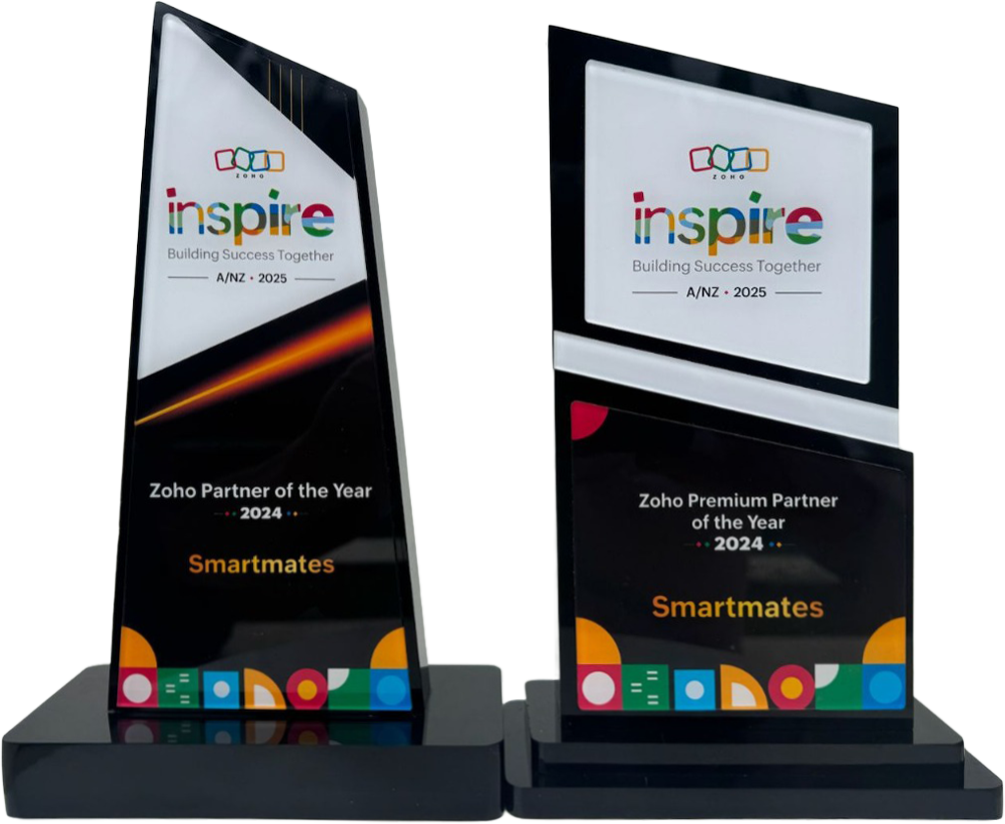
4 Years in a Row
Officially awarded Zoho Partner of the Year in Australia for 2022, 2023, 2024 and 2025. Chosen from 60+ Australian Zoho Partners by Zoho themselves.
- First Top-Up Special $129 $99/hr + GST*
Book your free video conference with our Zoho Consultants
Get your free comprehensive Zoho rollout quotation
Recognised as Australia’s #1 Zoho Partner, 4 years running

Zoho CRM vs Salesforce Australia

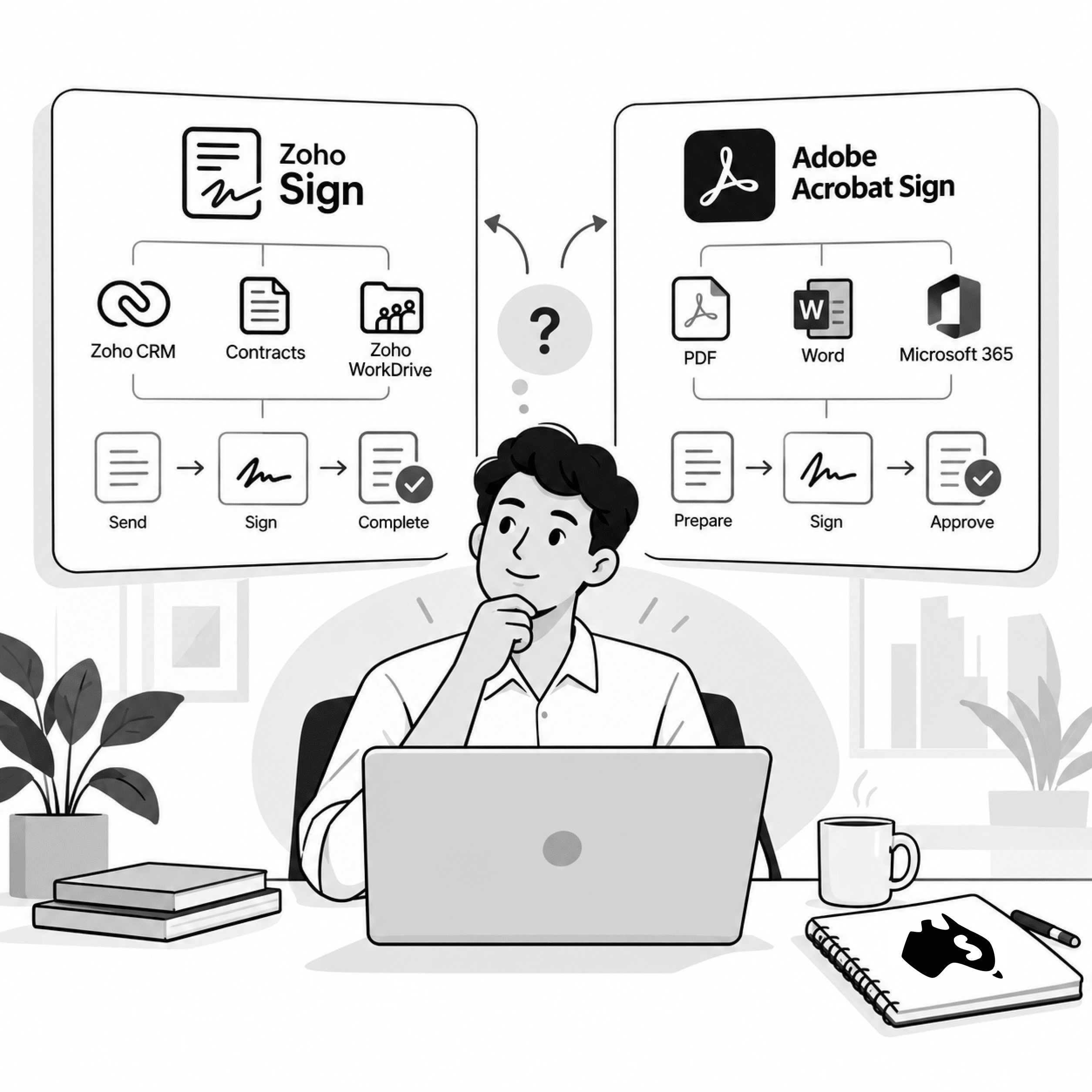
Smartmates helps Australian businesses compare Zoho Sign and Adobe Acrobat Sign around the full agreement workflow rather than signature collection alone. Both support reusable templates, tracking and bulk signing processes, but the better fit depends on document creation, approval steps, Microsoft or Zoho integrations, user administration and where signed agreements need to live afterwards.
E-Signature Software Usually Sits Inside a Bigger Process
Most businesses do not struggle because someone cannot electronically sign a PDF. The friction often happens before and after signature. Staff create agreements manually, approval happens through email, recipients are entered repeatedly and completed documents need to be renamed or stored elsewhere. Standardising an e-signature platform should therefore consider how the agreement begins, who approves it, how it is sent and where the final signed document becomes part of the business record.
Read more: Zoho Contracts Setup Australia
What Australian Teams Should Compare
- Number of documents sent
- Reusable agreement templates
- Signing order
- Internal approvals
- Bulk sending
- Reminders
- Expiry dates
- Agreement tracking
- Branding
- Signer authentication
- Completion records
- Audit information
- Microsoft 365 usage
- Zoho CRM usage
- Zoho Contracts usage
- WorkDrive storage
- PDF-heavy workflows
- API requirements
- Mobile signing
- User administration
- Where completed documents are stored
Adobe Acrobat Sign provides reusable templates, agreement tracking, bulk sending, Microsoft 365 integration and automatic record keeping for completed agreements. Its current Acrobat Sign feature overview is useful for businesses that already rely heavily on Adobe PDF and Microsoft workflows.
Zoho Sign Versus Adobe Acrobat Sign
| Agreement Requirement | Zoho Sign | Adobe Acrobat Sign |
|---|---|---|
| Electronic signatures | Supported | Supported |
| Reusable templates | Supported | Supported |
| Bulk sending | Supported | Supported |
| Signing order | Configurable | Configurable |
| Tracking and reminders | Supported | Supported |
| Microsoft 365 environment | Integration available | Strong integration |
| Zoho CRM integration | Strong advantage | Integration required |
| Zoho Contracts connection | Strong advantage | Different architecture |
| PDF ecosystem | Supported | Adobe advantage |
| Best fit question | Is signing part of a wider Zoho process? | Is Adobe already central to document workflows? |
Standardise the Agreement Process, Not Only the Signature Tool
Zoho Sign can send documents for signature, configure signing workflows, track agreement status, use reusable templates and distribute documents in bulk.
Its strongest advantage appears when signing is already part of another Zoho process.
An agreement may start from CRM data, move through Zoho Contracts, be signed in Zoho Sign and then remain available inside the same wider application environment.
Adobe Acrobat Sign also offers mature e-signature capabilities and fits naturally where teams rely heavily on Adobe PDFs, Acrobat and Microsoft 365.
For some organisations, that familiarity and document ecosystem may be more valuable than moving the signing process into Zoho.
During a Planning Session, Smartmates can review where agreements originate, how templates are maintained, who approves documents and what needs to happen once signing is complete.
A business may discover that the signing platform itself is not the main problem. The larger issue may be inconsistent templates, unclear approvals or signed documents becoming disconnected from CRM records.
The Project Plan Estimate can define template setup, signing workflows, CRM or Contracts integration, document storage, migration, user permissions and testing.
The right e-signature platform should make the agreement process easier to control from creation through completion.
See also: Zoho Data Ownership Australia
Frequently Asked Questions
Do Zoho Sign and Adobe Acrobat Sign both support bulk sending?
Yes. Both platforms provide bulk-send capabilities, although limits and plan availability should be checked against the subscription being considered.
Is Adobe Acrobat Sign better if a business uses Microsoft 365?
It can be a strong option because Adobe provides direct Microsoft integrations, but the complete business workflow should still be assessed.
When does Zoho Sign make more sense?
Zoho Sign becomes particularly relevant when agreements need to connect closely with Zoho CRM, Zoho Contracts, WorkDrive or other Zoho applications.
Make Signing Part of a Controlled Agreement Workflow
If your Australian team is deciding between Zoho Sign and Adobe Acrobat Sign, Smartmates can help map what happens before, during and after signature.
Book a free Planning Session to determine which platform fits the complete agreement process.
Request a Callback from Smartmates

Zoe
I’ll listen to your Zoho needs to understand your business challenges and goals, ensuring a tailored approach.
I’ll bring a certified Zoho engineer to our first consultation to explore solutions and clarify your requirements.
We’ll deliver your free project plan quotation, detailing the steps, timeline, and costs—up to this point, it’s completely free!
“My mission is to solve your key problems, build your trust in our capabilities and deliver exceptional value for money.”