
4 Years in a Row
Officially awarded Zoho Partner of the Year in Australia for 2022, 2023, 2024 and 2025. Chosen from 60+ Australian Zoho Partners by Zoho themselves.
- First Top-Up Special $129 $99/hr + GST*
Book your free video conference with our Zoho Consultants
Get your free comprehensive Zoho rollout quotation
Recognised as Australia’s #1 Zoho Partner, 4 years running

Zoho Desk Pricing: What Changes Between Plans?

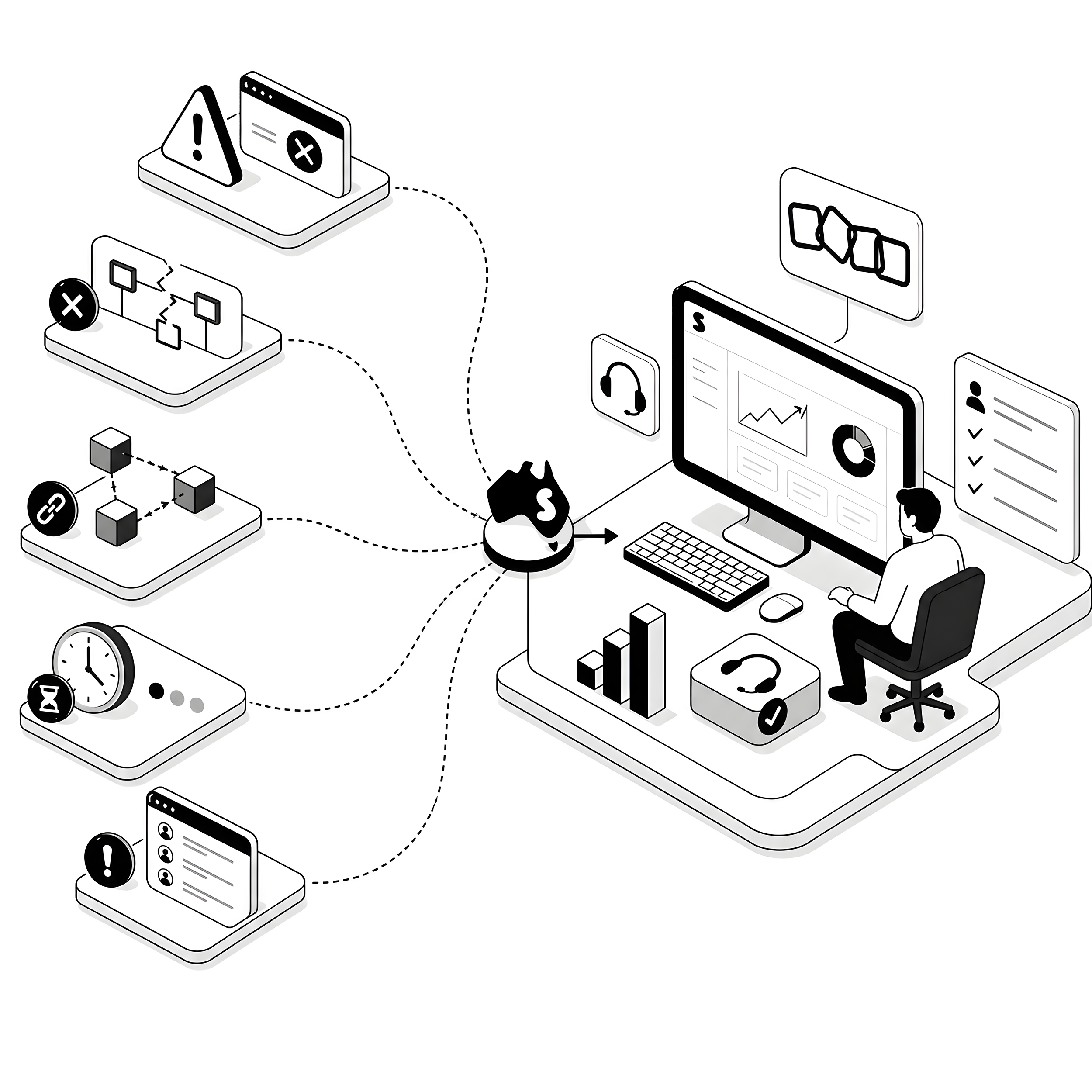
Zoho Desk pricing looks straightforward until you try to match a plan to your support team’s real workload, and that gap is where businesses overpay or under-buy. Smartmates works through it with Australian support teams before they sign up, so the plan matches actual ticket volume, not a sales page.
When the plan you picked doesn’t match the team using it
Most support teams land on a helpdesk plan the way they land on most software: someone signs up during a busy month, picks whatever looks reasonable on the day, and nobody revisits the choice until renewal. A year later the team is paying for automation nobody configured, or stuck without the reporting a manager asked for last quarter. If a previous partner set up the account for you, or you inherited it from someone who has since left the business, you may not even know what your current plan actually entitles you to use, let alone whether it still fits.
Read more: Zoho Desk Setup in Australia
What to check before you compare plans
Before comparing anything on a pricing page, work out what your support team is actually doing day to day. A plan decision made without this information is a guess dressed up as a comparison, and it is usually the business that absorbs the difference, either in licence fees it didn’t need to pay or in workarounds it builds to cover a gap nobody budgeted for.
- Count real monthly ticket volume across every channel, not just the busiest day of the month.
- List every channel your team currently handles, such as email, phone, chat or a customer portal, and whether any of them are missing a channel they need.
- Work out how many agents need full ticket access versus how many only need to view reports or escalate occasionally.
- Check which reports your managers actually use each week, and which ones exist but nobody opens.
- Note any automation or workflow rules currently running, and whether anyone on the team understands how they were built.
- Ask what happens to historical tickets and data if the plan or tier changes, and get that answer in writing before you commit.
Working it out yourself vs bringing in a Zoho consultant
| Approach | What it looks like | Where it works | Where it falls short |
|---|---|---|---|
| Self-assessment | Someone in the team audits ticket volume and compares it against plan tiers on the vendor site. | Simple support setups with one channel and a small, stable team. | Easy to miss how automation, reporting and integrations change the real cost once the team grows. |
| Zoho consultant | A consultant maps your actual ticket flow, channels and reporting needs against the right tier before you buy or renew. | Multi-channel support, integrations with other Zoho apps, or teams that have outgrown their current plan. | Carries a cost, so it suits a decision worth getting right rather than a trivial renewal. |
How Smartmates helps you land on the right plan
Getting Zoho Desk pricing right is less about finding the cheapest line item and more about knowing what your support team will actually use in the next twelve months. Smartmates starts with a free Planning Session, where a senior consultant reviews your current ticket volume, channels and reporting needs, then puts together a written Project Plan Estimate so you know the time, steps and cost before you spend anything. That estimate also covers the setup work a plan change usually brings with it, such as rebuilding automation or reassigning agent access, which is where a lot of the real cost actually sits. If you want to see the current tiers and inclusions for yourself first, Zoho’s official Desk pricing page is the place to look, though it is worth reviewing with someone who can translate it against your own ticket data rather than reading it in isolation.
See also: Book a free Zoho planning session
Common questions about Zoho Desk pricing
How do I work out which Zoho Desk plan fits my support team?
Start with your own numbers, not the pricing page. Count monthly ticket volume by channel, list which reports your managers actually use, and note any automation already running. A consultant can then match that picture to the lowest tier that genuinely covers it, rather than the one that simply sounds adequate.
Should I choose a Zoho Desk plan based on price or on features?
Price alone tells you what you pay this year, not what it costs you if the plan is wrong. A cheaper plan that lacks a report your manager needs, or a channel your customers expect, often costs more in workarounds than the difference in licence fees. Match the plan to the workload first, then weigh the price.
What should I check before renewing a Zoho Desk plan?
Review whether your ticket volume, channel mix and team size have changed since you last chose a plan, and whether anyone is still using the automation and reports it was bought for. A renewal is a good moment to confirm the plan still matches the business, not just to accept the same invoice again.
Ready to stop guessing on your Zoho Desk plan?
If you are not confident your current Zoho Desk plan matches what your support team actually needs, a short planning session can settle it before your next renewal. Bring your ticket volume and current pain points, and we will help you work out whether to stay, upgrade or change how the plan is set up.
Request a Callback from Smartmates

Zoe
I’ll listen to your Zoho needs to understand your business challenges and goals, ensuring a tailored approach.
I’ll bring a certified Zoho engineer to our first consultation to explore solutions and clarify your requirements.
We’ll deliver your free project plan quotation, detailing the steps, timeline, and costs—up to this point, it’s completely free!
“My mission is to solve your key problems, build your trust in our capabilities and deliver exceptional value for money.”